
Get the visit story before the exam.

Send one link for intake, consent, and photos. Give your team a shared inbox and a concise chart summary before the visit starts.

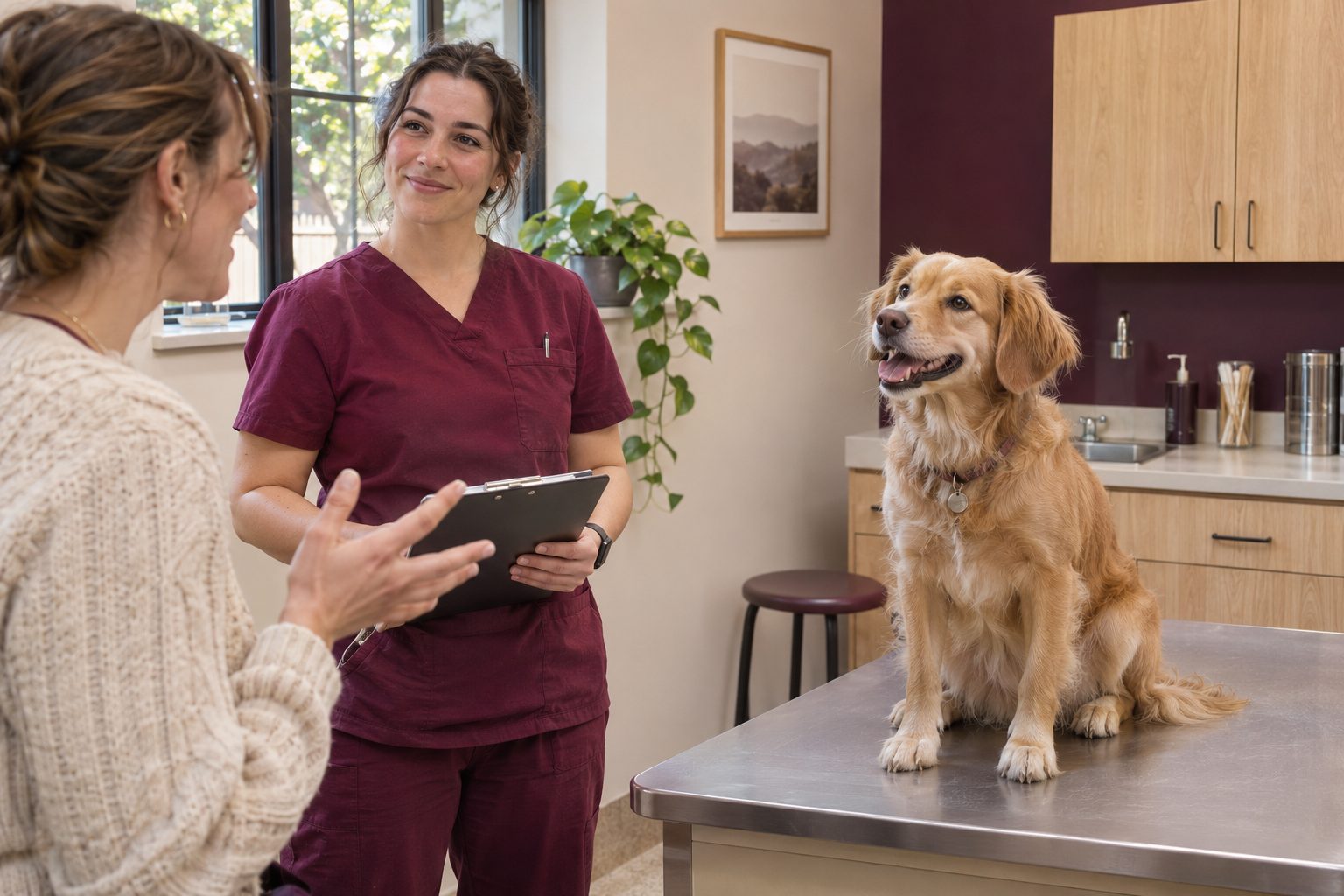
A veterinary technician talks with a pet owner beside a golden dog on the exam table

From the client’s phone to your chart

Use the same workflow before an appointment or at check-in.

  1. Share a form

    Pick a sick visit, new client packet, photo intake, or another form from your clinic’s library.

  2. Review in one inbox

    Clients answer on their phones. Staff with their own logins see the same submissions in the clinic workspace.

  3. File the visit

    Download an AVImark chart PDF and file it manually. Original signed forms and attachments are available separately.

Try a sick visit

Choose sample answers and see what staff would receive. This demo uses fictional data and stays in your browser.

Client view

Sick Visit Form

Juniper Sample patient · Dog

Staff view

Chart summary preview

Patient
Juniper · Dog
Visit type
Sick Visit
Appointment
Tuesday at 10 a.m.
Owner-reported concern
Scratching one ear

In VetForm GO, staff can download this view as a chart PDF and open the full submission separately.

Clinic access

Each clinic has its own forms, patient files, and staff sign-ins.

Commonwealth Animal HospitalOpen the clinic workspace

Filling out a form for your pet? Open the link your clinic sent you.